Customer QR menu
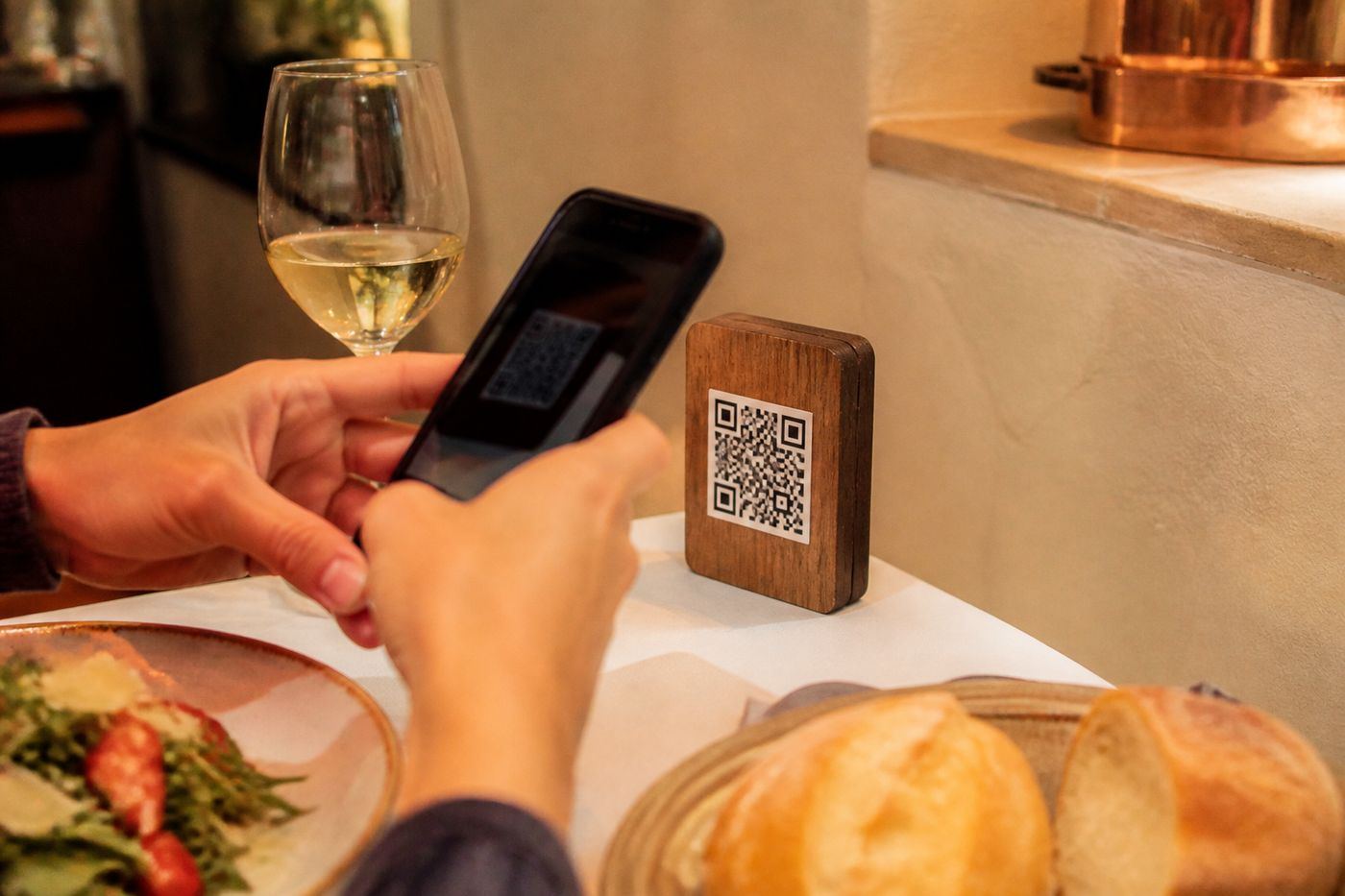
Customers open your menu from a table code or a shared link, in the language they prefer. More languages on request.
Upload a photo of your printed menu, a few photos, or a PDF. We at GetEstio. turn it into a multilingual QR menu with ordering and everything you need to run your restaurant. Completely free, no card required. More languages on request.

Live menus
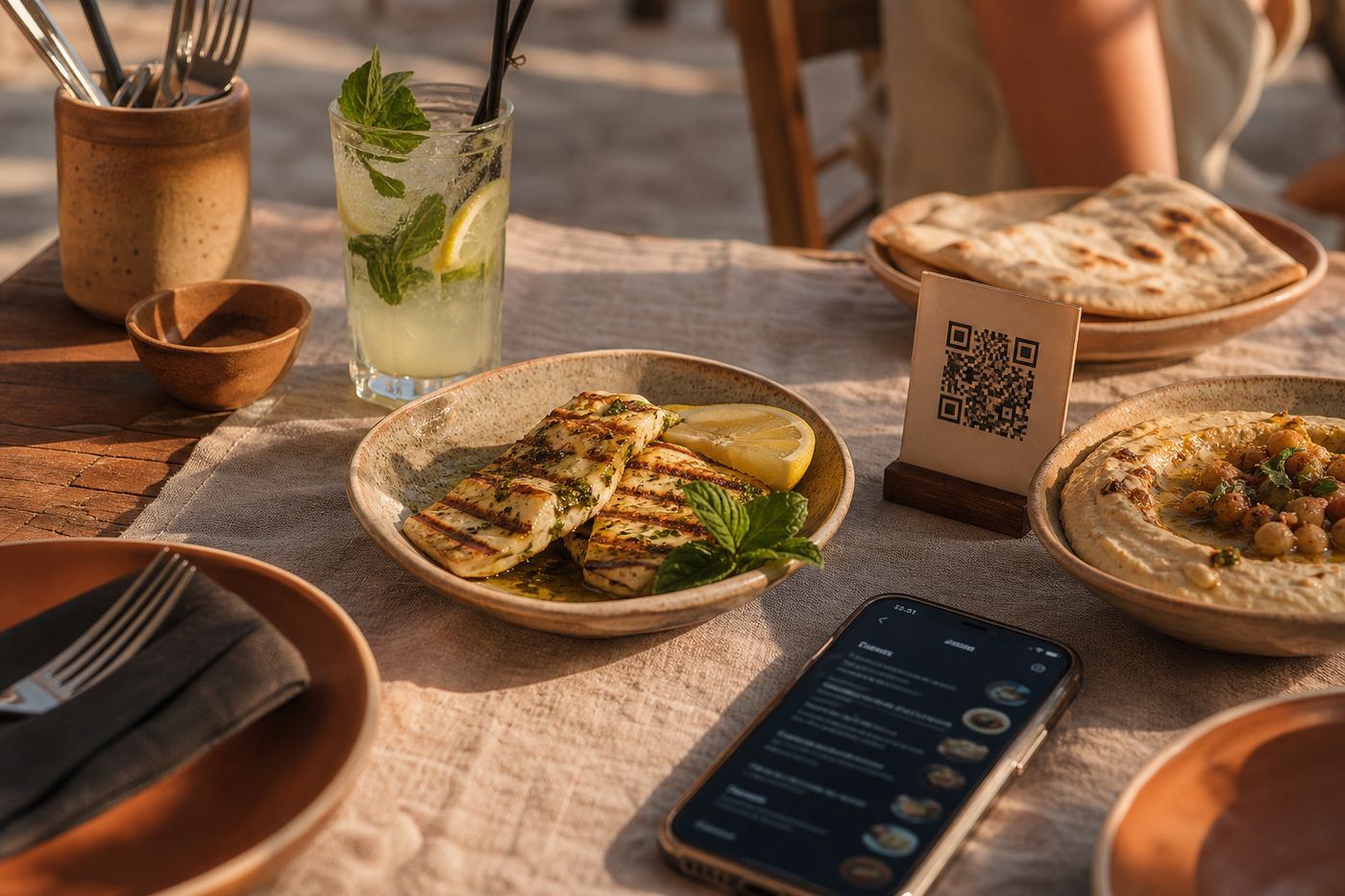
Real venues. Live menus. Open one and see how customers order.
Seamless Experience
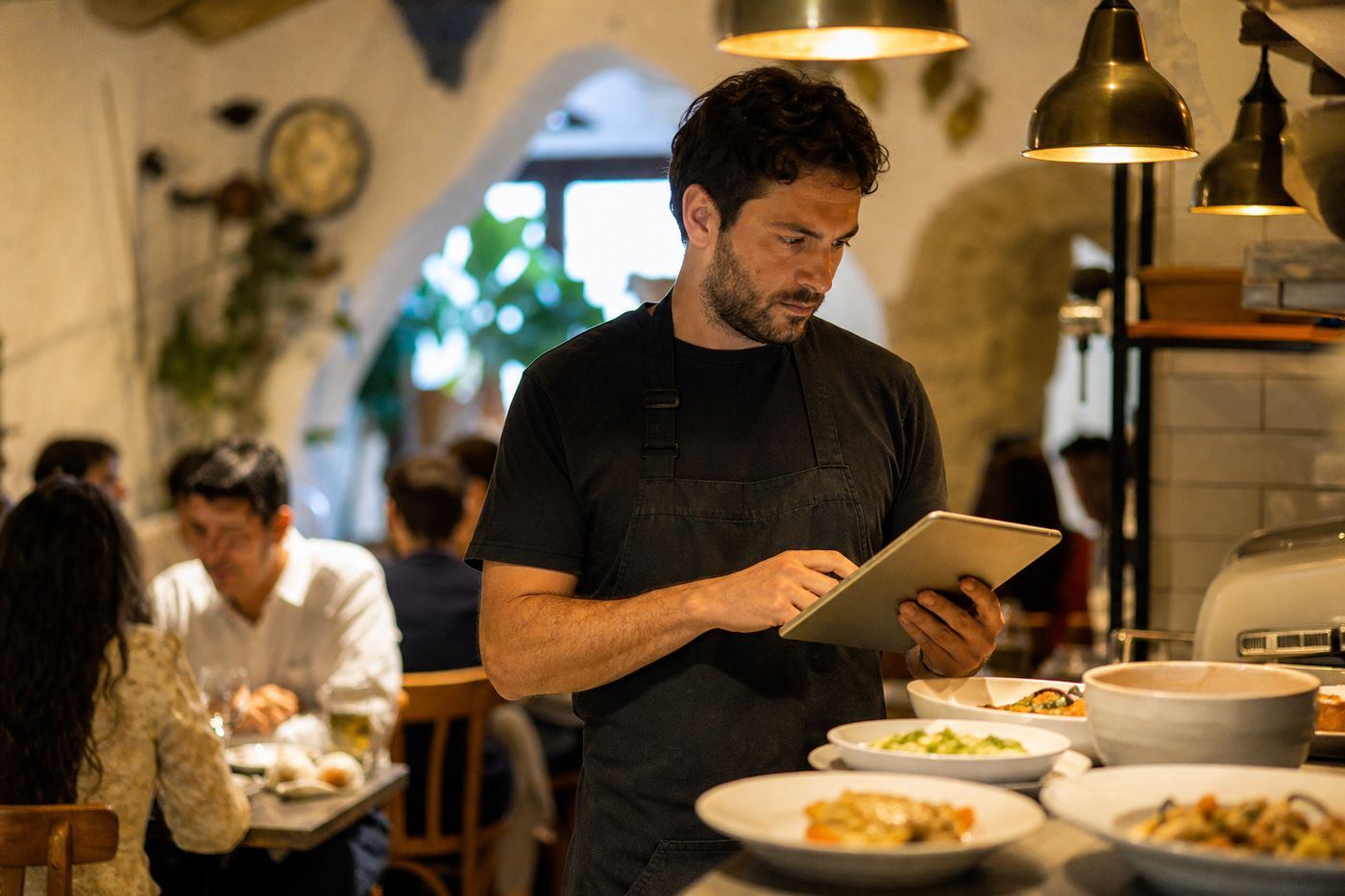
Customers open the menu from a table QR. Your staff take orders in the app. You upload the menu once — we prepare a draft for you to review.
Customers open your menu from a table code or a shared link, in the language they prefer. More languages on request.
Orders, menus, and branches from the staff app and the admin dashboard.
Your menu on an address that belongs to your restaurant. Change plans later when you are ready.
AI menu import
Upload a photo, a PDF, or a few photos of your printed menu. We at GetEstio. convert it straight into a ready menu with items, categories, instant product translations, specs, and prices in a draft you review. Publish when you are ready. No more manual entry and wasted time.
You approve the draft — we handle the conversion. No weeks of typing every item yourself.
Your restaurant menu as it is today. No spreadsheets. No retyping every dish.
We turn the file into categories, items, translations, specs, and prices — ready for your review.
Edit what you want, approve when ready, and share the QR with customers in minutes.
From uploading your menu to customers scanning the QR — without weeks of manual typing.
A photo or a few photos of the printed menu, or a PDF. We convert it into categories, items, translations, specs, and prices in a draft you review.
Print table QR codes or share a link. Customers pick their language instantly.
Receive orders in the app, check your reports, and add staff and branches as your restaurant grows.
Create your restaurant, upload your menu, and get your menu link in minutes. Completely free, no card, no weeks of manual entry.